How to get a better AI wedding preview
A practical guide to choosing upload photos, roles, scenes, and styles so the preview grid gives you more useful options.
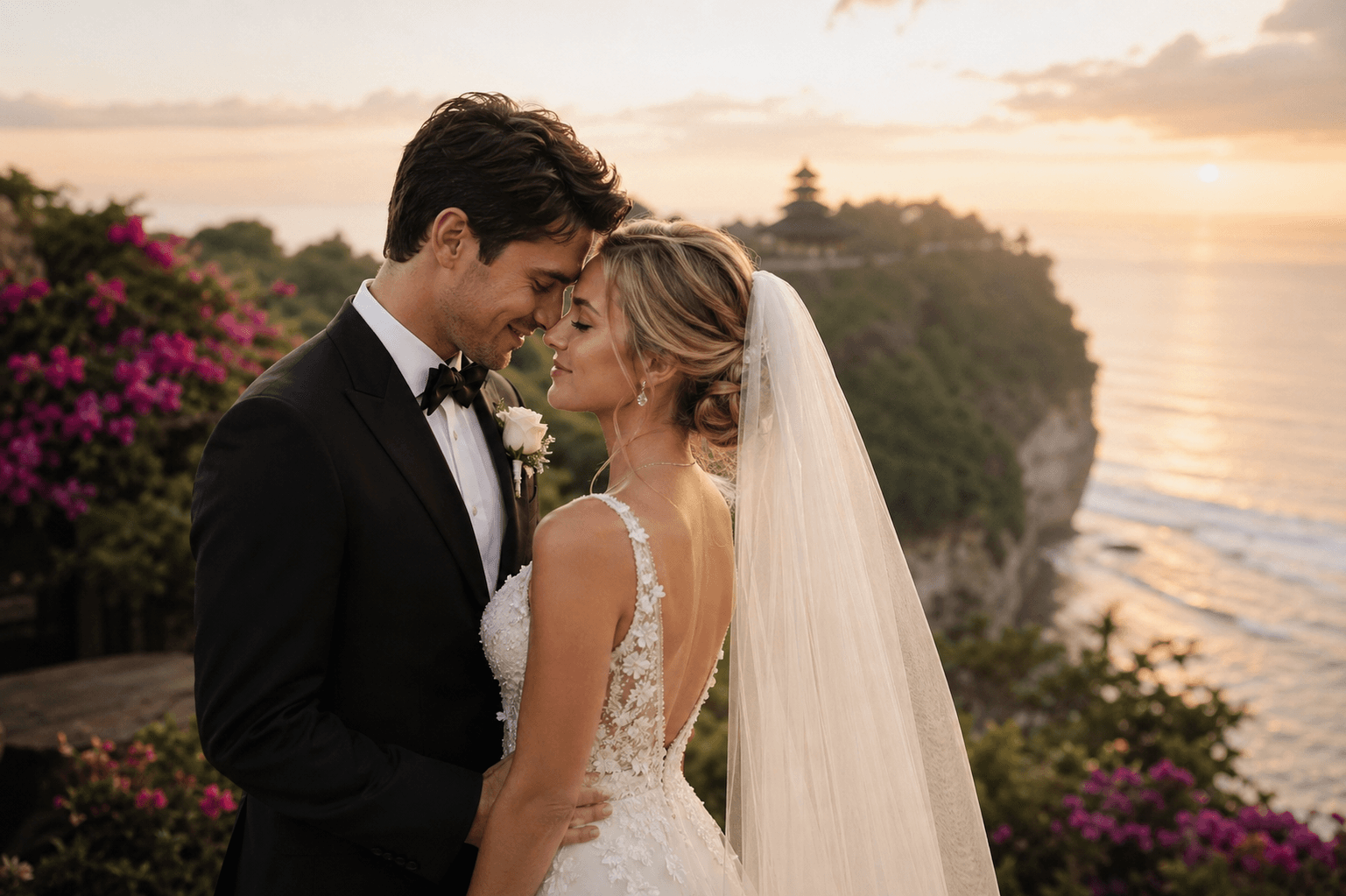
The strongest AI wedding previews usually start with clean reference photos. Choose images where the face is visible, lighting is even, and the subject is not hidden behind sunglasses, heavy filters, or extreme shadows.
When you upload more than one photo, label each role clearly. A simple label such as bride, groom, partner, mother, or father helps the prompt builder keep the cast structure stable across the nine preview frames.
Scene and style should work together. Paris with luxury styling asks for polished editorial results. A garden scene with playful styling asks for lighter movement, brighter expressions, and more candid compositions.
The preview grid is designed for selection, not final delivery. Look for the frame with the strongest composition and mood, then use the paid generation flow to render the chosen direction at higher quality.